Image Inverter
Invert the colors of an image online. Choose, drop, or paste a picture, reverse every color, then copy or download the result.
Drop or paste an image here
PNG, JPG, WebP, GIF, BMP, or SVG up to 50 MB
Press Enter or leave the field to load the URL.
Your inverted image will appear here
Local files are processed in this browser and are not uploaded to our server.
Invert Image Colors Online
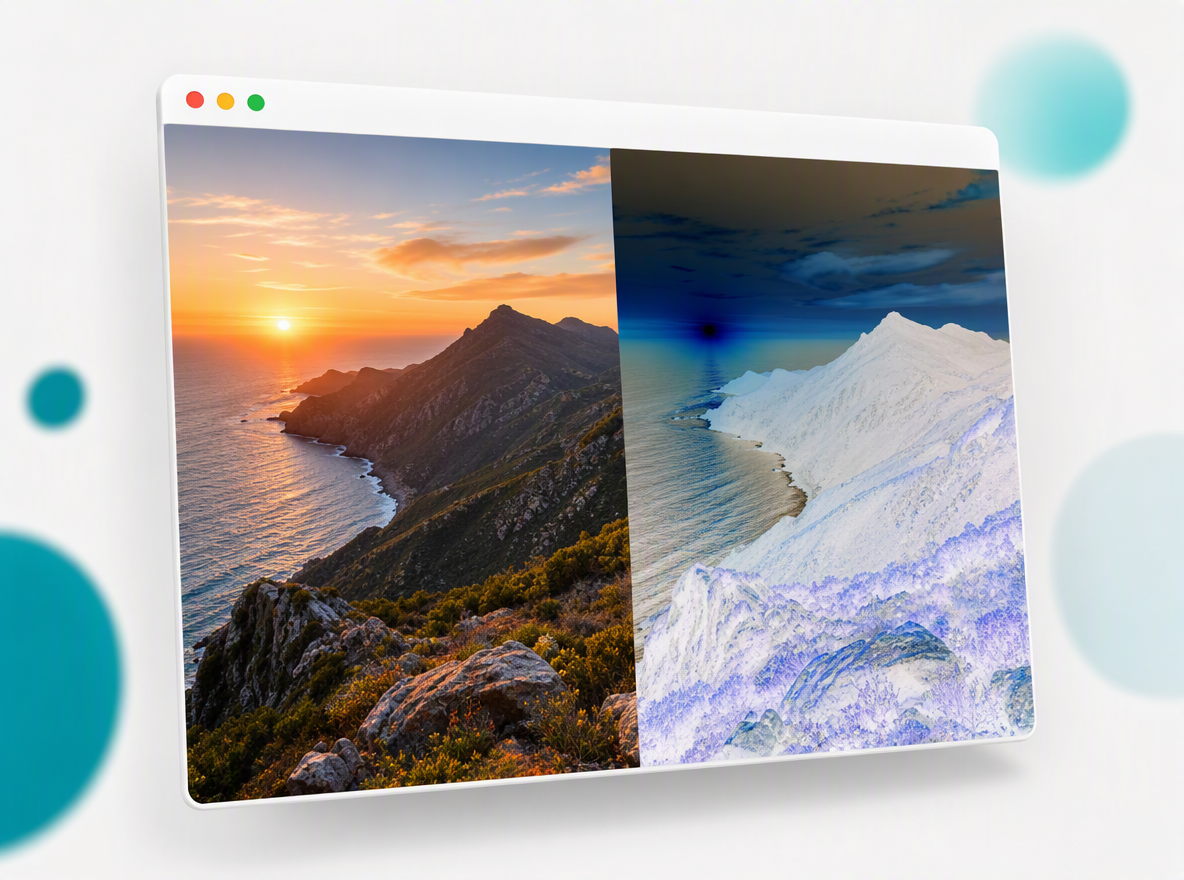
Image Inverter turns every color into its opposite while keeping the original image dimensions and transparency. Use it to invert image colors for artwork, accessibility checks, visual experiments, or a quick negative image without opening desktop software.
How to Invert Colors
The entire workflow runs in your browser. Image Inverter reads the pixels, reverses the red, green, and blue values, preserves alpha transparency, and prepares a new file in seconds.
Choose an Image
Select a photo from your device, drag it into the upload area, paste an image from the clipboard, or enter an image URL. The input preview lets you zoom, fit, inspect at actual size, and pan before processing.
Invert Image Colors
Press the invert button once. Image Inverter changes each RGB channel with a precise 255 minus channel calculation, so black becomes white, white becomes black, red becomes cyan, and orange becomes blue.
Save the Inverted Image
Review the result at any zoom level, copy the negative image to your clipboard, or download it in a format supported by your browser, including PNG, JPG, BMP, and WebP.
Black to White
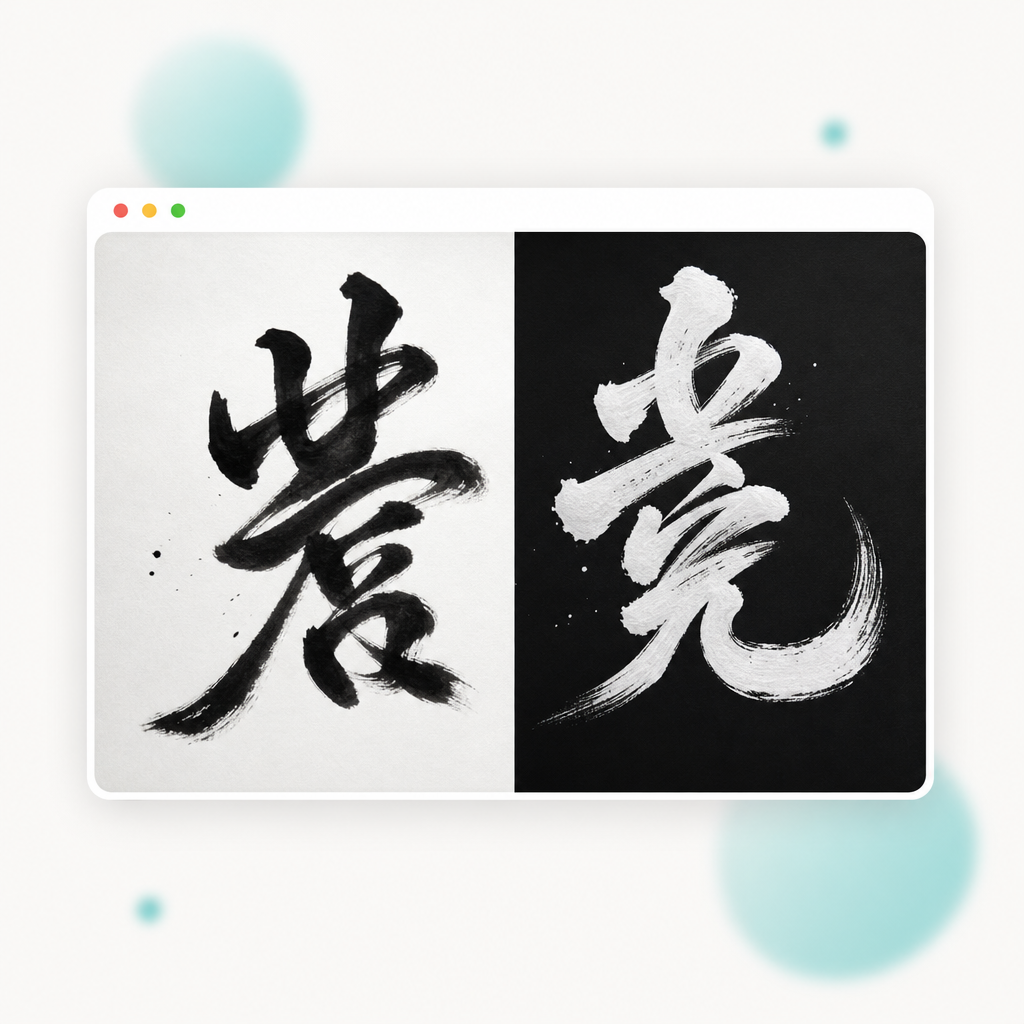
Use Image Inverter when a dark graphic needs a light counterpart or a white mark needs to become black. Color inversion changes every tone consistently instead of replacing only one selected color.
Make Image Negative
A negative filter gives a familiar photo an unexpected palette without changing its crop or adding compression during processing. Image Inverter is useful for film-inspired graphics, album art, posters, thumbnails, and classroom demonstrations of complementary colors.
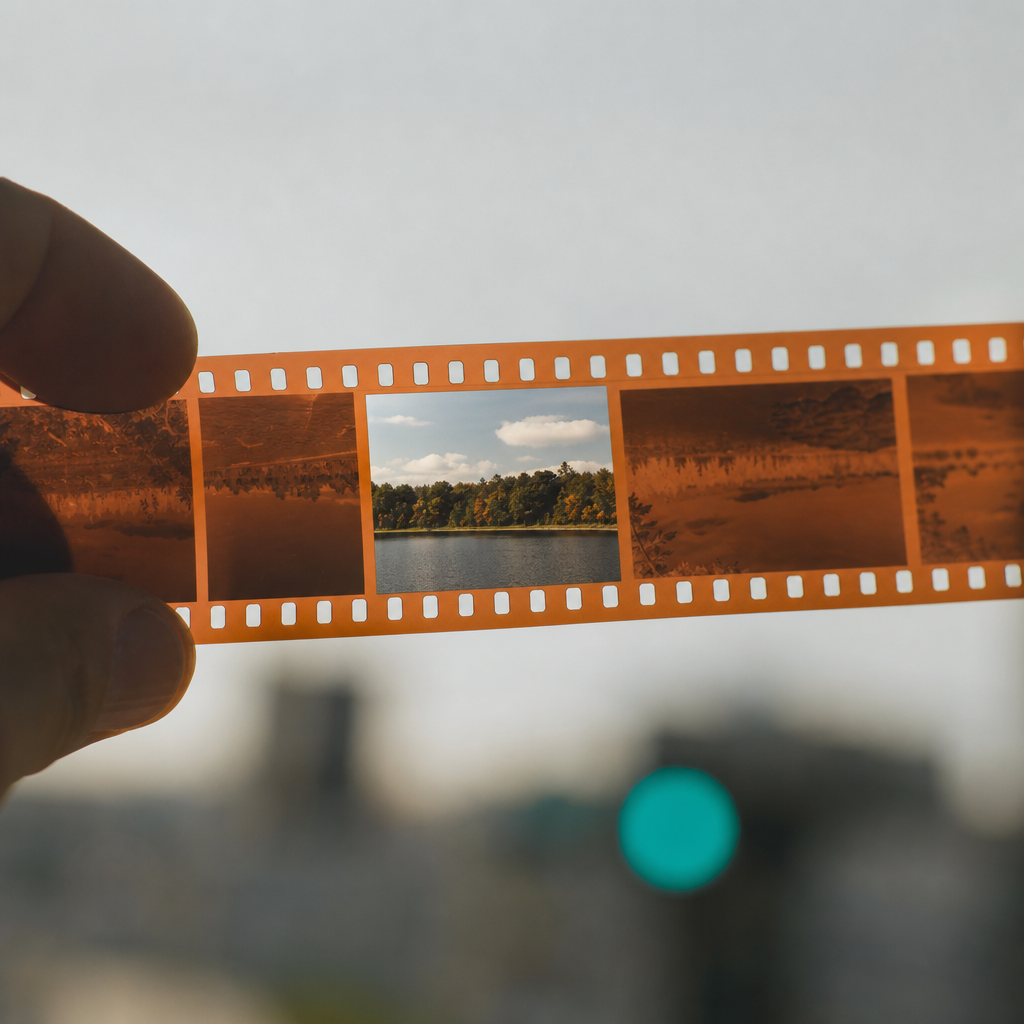
Photo Color Inverter
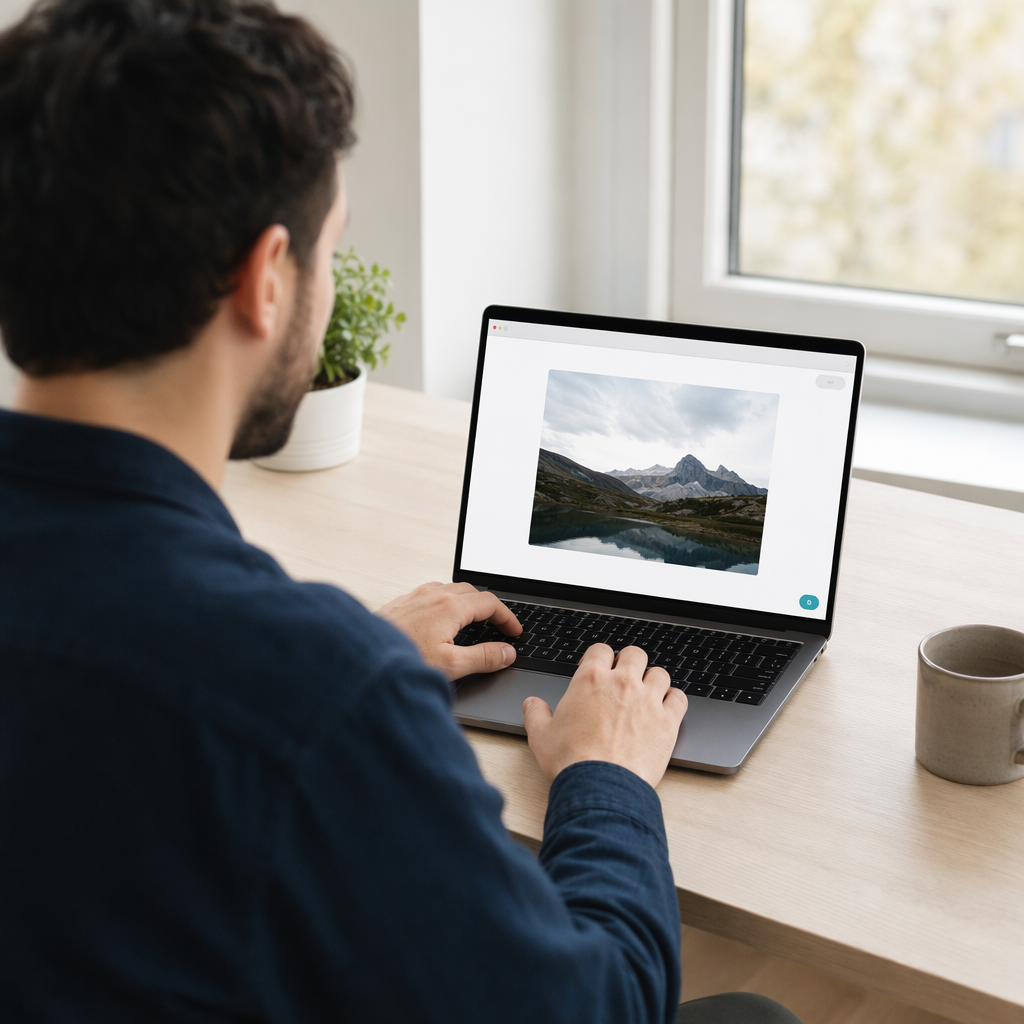
Image Inverter handles quick color inversion jobs for people who need a dependable result without accounts, timelines, layers, or complicated editing controls.
Designers
Test an opposite-color direction, inspect contrast, or create an alternate graphic before moving the result into a larger design project. Image Inverter makes the first color study immediate.
Photographers
Invert photo colors to explore a film-negative look, compare tonal relationships, or build a striking draft for a portrait, landscape, product image, or editorial composition.
Teachers and Students
Demonstrate positive and negative colors with the same source image. The clear before-and-after workflow helps explain RGB values, complementary colors, and digital image processing.
Content Creators
Create inverted pictures for thumbnails, posts, short-form graphics, and visual transitions. Image Inverter exports a ready-to-use file without adding a watermark or changing the canvas size.
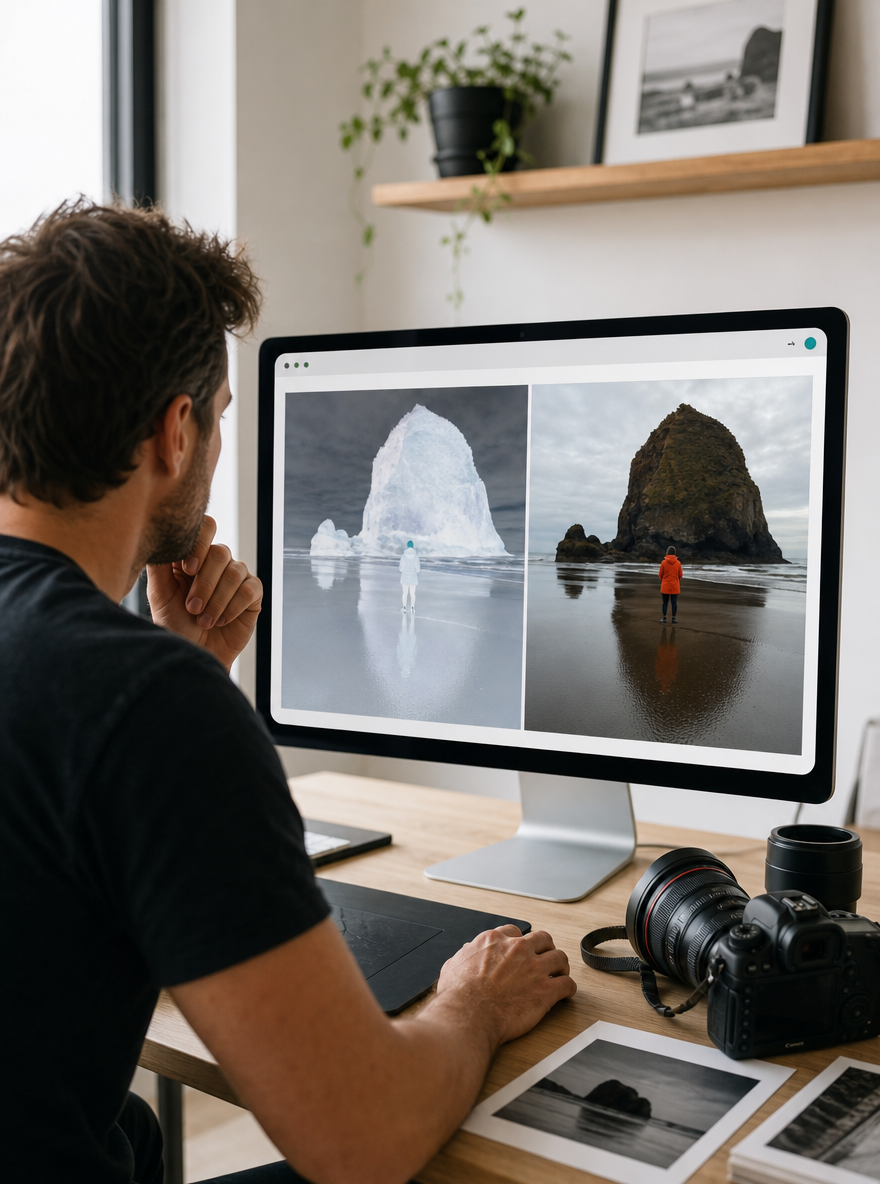
Image Color Inverter Online
Image Inverter focuses on one job and exposes the details needed to finish it. The local workflow is quicker for a single image than launching a full editor and keeps device files inside the browser.
Image Inverter | Full Photo Editor | |
|---|---|---|
| Invert image online with no account | Varies | |
| Drag, choose, paste, or use an image URL | Varies | |
| Zoom, fit, actual size, and pan controls | ||
| Copy the negative image to clipboard | Varies | |
| PNG, JPG, BMP, and WebP download options | Varies | |
| Local file processing without an upload | Varies |
Image Inverter Questions
Answers about color inversion, supported inputs, privacy, transparency, and downloads.
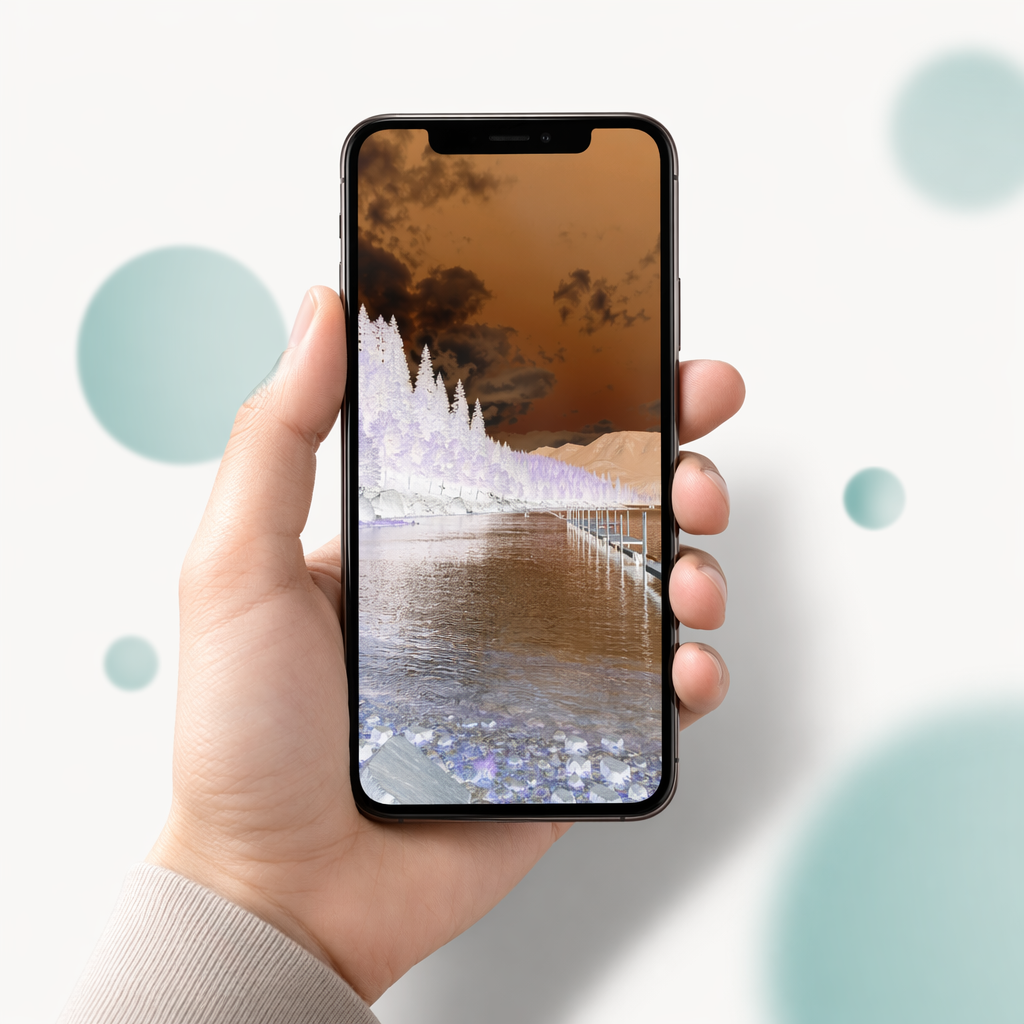
Invert Image Online
Open an image from your device or paste one from the clipboard. Image Inverter will produce the negative colors locally and let you inspect, copy, or download the finished file.